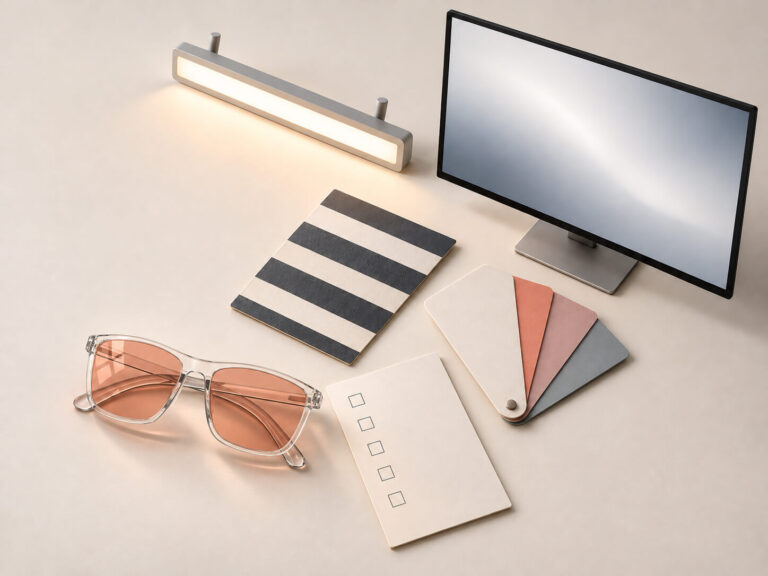
Use the promo code to enjoy a 10% discount storewide.
Working With a Migraine: A Reduce, Communicate, Reassess Plan

When a migraine makes screens or office lighting difficult to tolerate, even a short email or meeting can become hard to manage. Start by deciding what actually needs attention now, then reduce the visual demands around that task and tell others what to expect.
The reduce–communicate–reassess plan below brings those decisions together: adjust the task and environment, send a specific update, and check whether the changes are helping before taking on more work.
1. Triage the next task, not the whole day
When concentration is limited, planning an entire workday can become another demanding task. Work in one short decision window instead.
Ask:
What is truly time-sensitive? Think of a deadline in the next hour, a customer waiting now, or information only you can provide.
What can become asynchronous? A live meeting might become a written update. A long call might become a voice note. A detailed review might move to tomorrow.
What can wait or move to someone else? “Important” does not always mean “must be done by me, right now.”
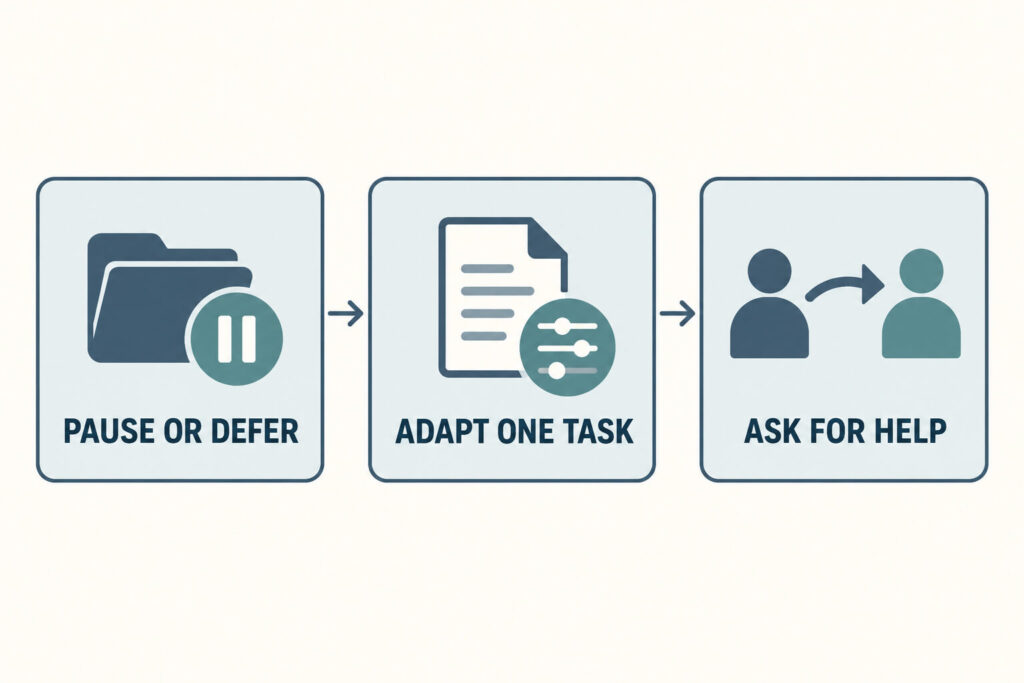
Choose one of these outcomes:
Pause or defer. The task can wait, or you cannot do it safely and reliably.
Adapt one essential task. Shrink its scope and change how you do it.
Escalate support. Ask a teammate to cover, tell a client the timing has changed, leave the bright space, or seek care.
2. Take a real pause before re-entering the task
A pause is not scrolling on a different screen. Step away from the display and, if feasible, move to a quieter place with less glare or harsh overhead light. Sit or lie down somewhere safe. Follow the migraine plan already agreed with your healthcare professional, if you have one.
Before returning, check two things:
Are symptoms settling, stable, or getting worse?
Can I read and think accurately enough for this task?
Use those answers to choose among the options above. If you need someone to cover a deadline, a brief message now gives them time to act.
Why light can feel harder during migraine
Migraine-related photophobia is a recognized symptom, but it is not limited to “bright light hurts.” A broader cluster of visual sensitivities can include brightness, flicker, strong patterns, and color or contrast. The mix varies from person to person and can change between attacks.
Recovery can also be uneven. Postdrome is the recovery phase after the main headache phase, and visual or sensory difficulty may continue during it. Because migraine phases and symptoms vary, the setting that felt manageable yesterday may be too much today.
3. Reduce the visual burden one change at a time
Work through the adjustments that match your setup. Start with the most noticeable source of discomfort and change one thing at a time, so you can tell what helped.
Match the screen to the room
A bright screen in a dim room, or a dim screen beneath intense overhead lighting, can create an uncomfortable mismatch. Adjust brightness gradually until the display is readable without seeming to glow or disappear. Try a dark or light interface based on what feels clearer to you rather than assuming one mode is always better.
Increase text size or display scale before leaning toward the screen. If contrast feels harsh, reduce it only enough to remain readable. The goal is not the lowest possible brightness; it is a legible display with less effort.
Remove motion and visual clutter
Silence nonessential notifications. Close extra windows, hide animated elements where possible, and work in a single document or browser tab. If a video call is necessary, ask whether cameras can be off and avoid gallery view.
This leaves fewer moving or competing elements on the screen while you work on the selected task.
Change your position relative to room light
If you can, turn off or move away from one overhead fixture, angle your screen away from a window, close a blind partway, or move so a bright source is beside you rather than directly in your field of view. A small position change may be easier than trying to control an entire shared room.
Watch for reflected glare as well as direct light. Tilting the display or moving a glossy document can matter more than lowering every light.
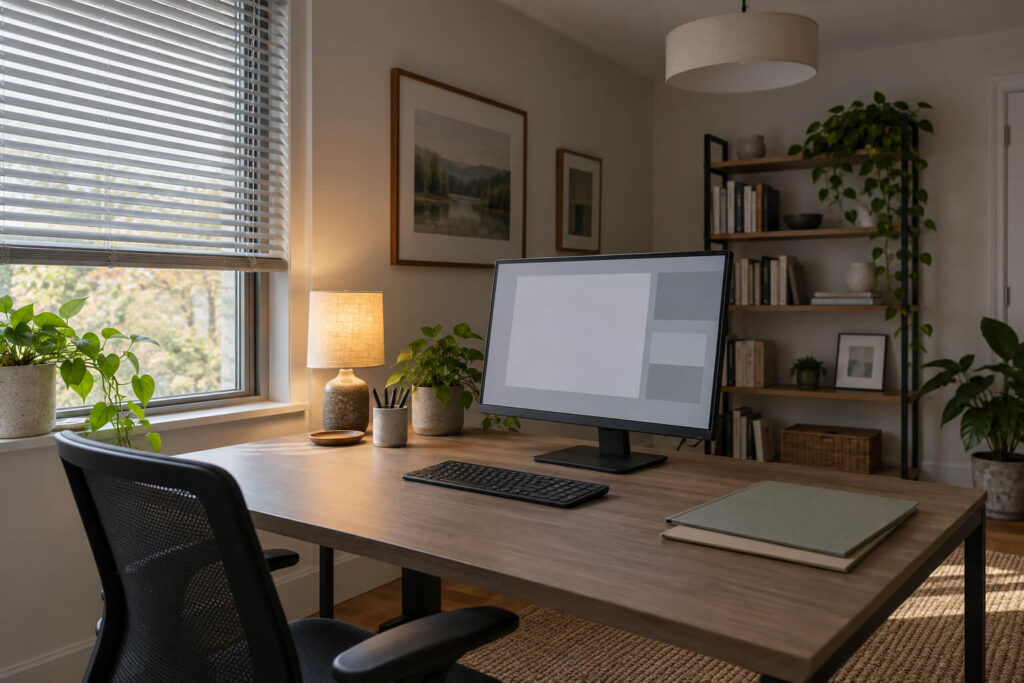
In a shared office, overhead lighting may be outside your control even after you have adjusted your desk and screen. Gloojo’s rose tint offers a personal light-management option for that situation: it is designed for fluorescent or harsh indoor light and may help reduce light-related discomfort associated with migraines. Check that text and task details remain clear as you assess comfort.
Change the task format
The lowest-burden version of a task may not be visual. Use text-to-speech for a document, dictate a response, send a voice note, print a short page if paper is easier, or ask someone else to capture meeting notes. For accuracy-heavy work, send the essential information now and defer formatting or proofreading.
Choose the format that reduces demand for you today. Audio is not automatically easier if sound sensitivity is part of the attack.
Protect a lower-stimulation break location
Identify one place you can use between tasks: a quiet room, an unused office, a shaded outdoor seat, or a safe spot at home away from the main display. Aim for a manageable step down in light and noise.
A short break in dimmer surroundings is different from spending most of the day in total darkness. Habitual darkness is not a universal long-term strategy; if light tolerance is becoming more restrictive, discuss that pattern with a healthcare professional.
4. Communicate the work impact without disclosing more than you want
You do not need to provide a medical history to make a clear operational request. State what is changing, what you can still do, and when you will update the other person.
For a manager or teammate:
I’m dealing with a health issue that is limiting screen work. I can send the two figures by 2:00, but I need to move the full review to tomorrow. I’ll confirm at 1:30 whether that timing still works.
For a client:
I need to step away from the screen for a short period. I have your request and will update you by 3:00 with either the answer or a revised delivery time.
For a meeting:
I can join for the decision portion, but I need to keep my camera off and leave after 15 minutes. Could someone share the notes afterward?

A checkpoint is more useful than an optimistic promise. If you are not sure you can finish, promise the next update—not the final output.
5. Reassess before you continue
At the end of the adapted task or a short work interval, compare the experience with how it felt before you changed the setup.
Ask three questions:
Did the change make the task easier?
Are symptoms stable enough for one more bounded task?
What is the cost of being wrong?
Use those answers to choose the next step: another small task, a different format, or a handoff. If you need to stop, send the update you promised so others can plan around it.
Know when the plan is not enough
Stop self-managing the workday and seek prompt medical advice when symptoms are new, unusually severe, changing, persistent, or meaningfully different from your established pattern. Seek urgent help for abrupt or unfamiliar neurological symptoms, such as new weakness, trouble speaking, or a sudden visual change. Although migraine aura has specific neurological features, a new neurological symptom should not be assumed to be “just migraine.”
Stop and arrange coverage when impaired vision or concentration could make work unsafe, particularly driving, machinery, heights, patient care, or financial authorization.
Build a small workday flare plan
You can prepare the protocol when you feel well enough to make decisions:
Write down the kinds of tasks that must stop first.
Save one manager or client message you can personalize quickly.
Note two screen or room changes that are easy to reverse.
Identify your lower-stimulation break location.
Decide who can cover an urgent task.
Record the symptoms that mean “stop and seek help” for you, based on professional guidance.
A useful flare plan keeps those choices close at hand, so the next episode involves fewer decisions about work, lighting, and what to say.
Disclaimer
This article is for educational purposes only and is not medical advice. Gloojo are not intended to diagnose, treat, cure, or prevent migraine, headaches, or any medical condition. If you have chronic migraine problems, take medication, are pregnant or nursing, or are considering migraine supplements, please speak with a qualified healthcare professional.