
You don’t have to choose between a glaring overhead light and feeling your way through a dark room. For nighttime bathroom lighting and other evening tasks, light the surface or route you actually need to see, then adjust the source until it gives you enough useful visibility without flooding the whole room.
That looks different at the sink, on the way to the bathroom, and at a computer. A small floor light may help you see a threshold but do little for your face in the mirror. A desk lamp can make a screen easier to use without lighting the entire bedroom.
Light exposure is not just a question of color. Expert guidance on indoor light exposure considers timing, intensity and spectrum as part of the overall light-dark pattern. Duration matters in practice too: a brief necessary bathroom trip is different from a long computer session. Warm light alone isn’t a guarantee of better sleep, and there’s no need to treat one necessary light switch as a ruined night.
At the sink: light your face and basin
For washing up before bed, start with a dimmable bathroom fixture or a suitable diffused light that illuminates your face and the basin. If you can adjust its direction, aim it toward the working area rather than directly into your eyes. Look in the mirror from your normal position: a bare bulb in your view or a strong reflection can be distracting even when the rest of the room looks dim.
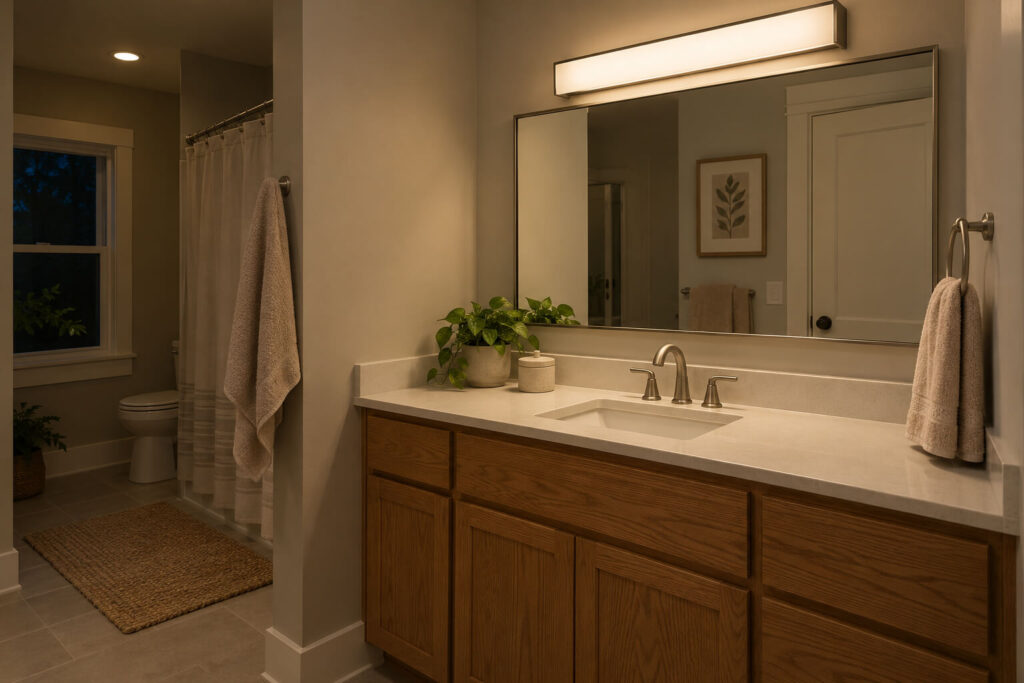
A shield or diffuser can soften the apparent glare. If a mirror light has more than one setting, try the lower one first, then increase it until you can see what you’re doing. Keep fixtures and any portable equipment appropriate to the bathroom and follow their instructions; don’t put cords across the route or use a lamp near water in a way it wasn’t designed for.
A floor-level night light is useful for orientation, but it may leave your face, hands, and the basin in shadow. For shaving, removing contact lenses, or any other detailed task, use enough task light to see the details clearly. Turn it back down or off when you’re finished if you no longer need it.
On nighttime bathroom trips: light the whole route
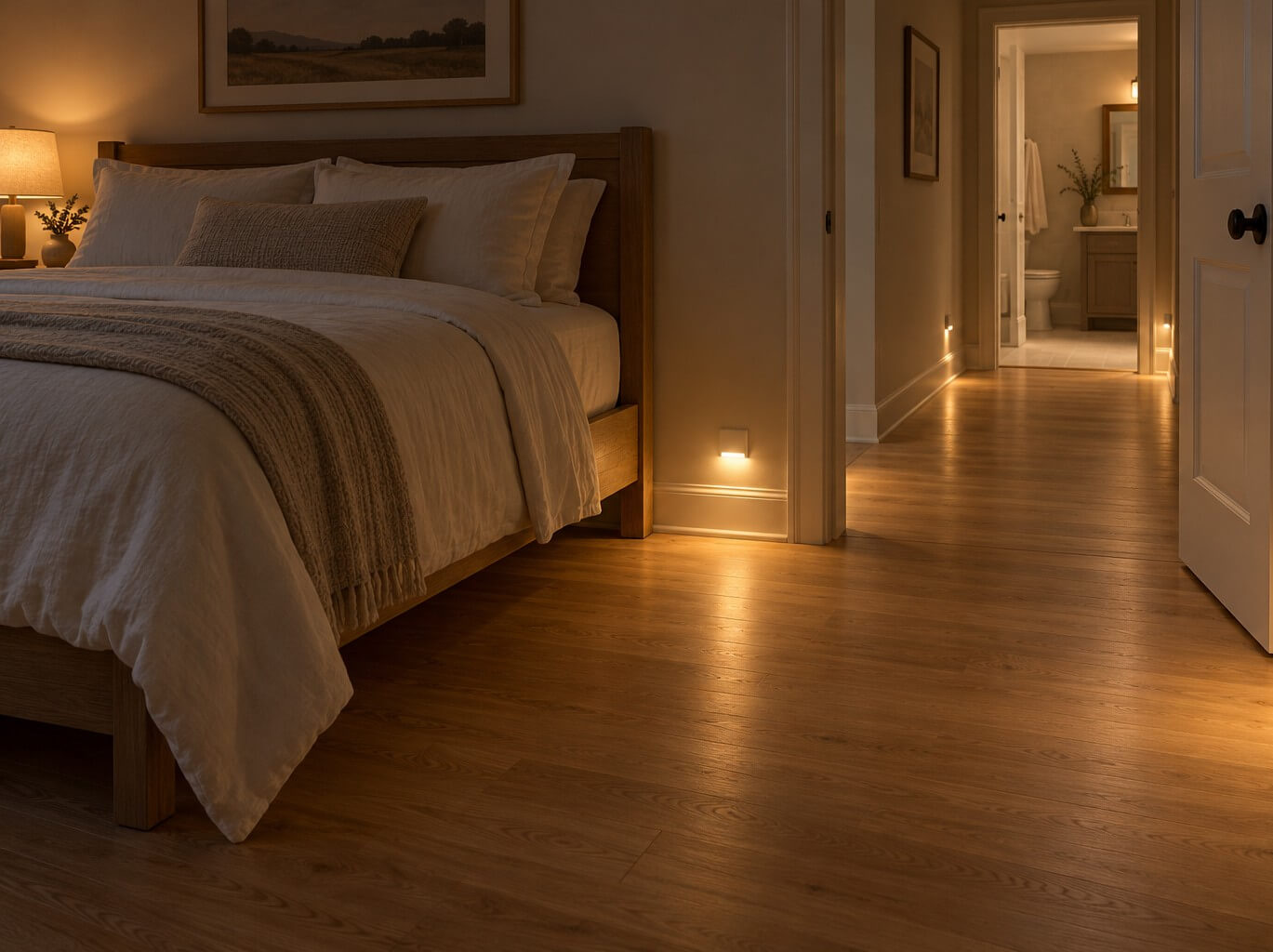
Plan the journey before bed, not just the bathroom itself. From where you get out of bed, look toward the doorway, hallway, bathroom entrance, and the area you’ll use inside. A bathroom night light on its own may leave a dark stretch between the bed and the door, or fail to show a threshold on the way in.
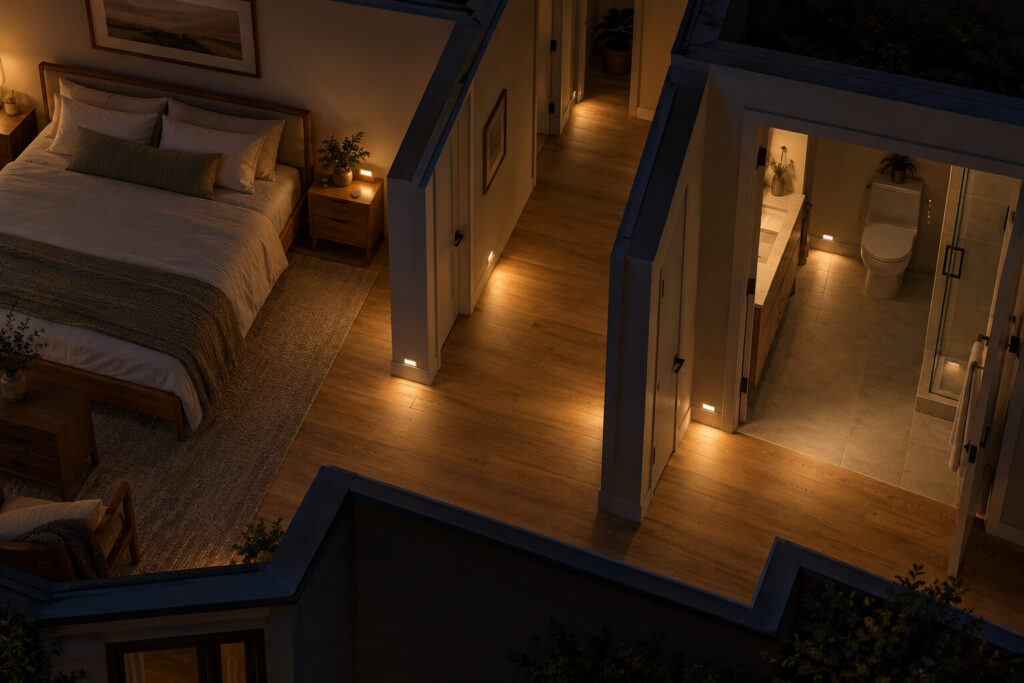
Place suitable lights so that their useful coverage overlaps across transitions. A low, shielded source can illuminate the floor without shining straight toward the bed, but height isn’t the goal by itself: check that you can distinguish step edges, thresholds, and objects on the floor from your actual approach. Clear loose items and cords from the route. If you need vision correction to see the route, keep it accessible by the bed.
Fixed light or motion activation?
- A fixed, low-output light can stay on through the night if its light is useful without shining into the sleeping area. It gives you a visible starting point without waiting for a sensor. Position or shield it if it shines into your eyes from bed; a light that reaches your sleeping space may need a different position or switching choice.
- A motion-activated night light can leave the area unlit between trips, but only if it responds where you need it. Check that it comes on before your first step, covers the doorway and other transitions, and stays on while you use the bathroom. If it doesn’t, reposition it, change its available settings, or add a fixed light where coverage is missing. Don’t rely on walking into darkness to activate it.
Test both the outward and return journey. If a step, wet area, obstacle, or control isn’t clear, add, reposition, or increase the light. The right night light placement is the one that lets you see the actual route—not the one that makes the room look darkest.
At the computer: balance the screen and surrounding light
For seated computer use near bedtime, begin with the room rather than the screen setting. Put a modest indirect light or a directed task light beside the work area, positioned so it illuminates the desk without reflecting in the display. If someone else is sleeping nearby, aim or shield it away from them. Workstation lighting guidance recommends addressing glare, reflections, and excessive contrast between a screen and its surroundings.
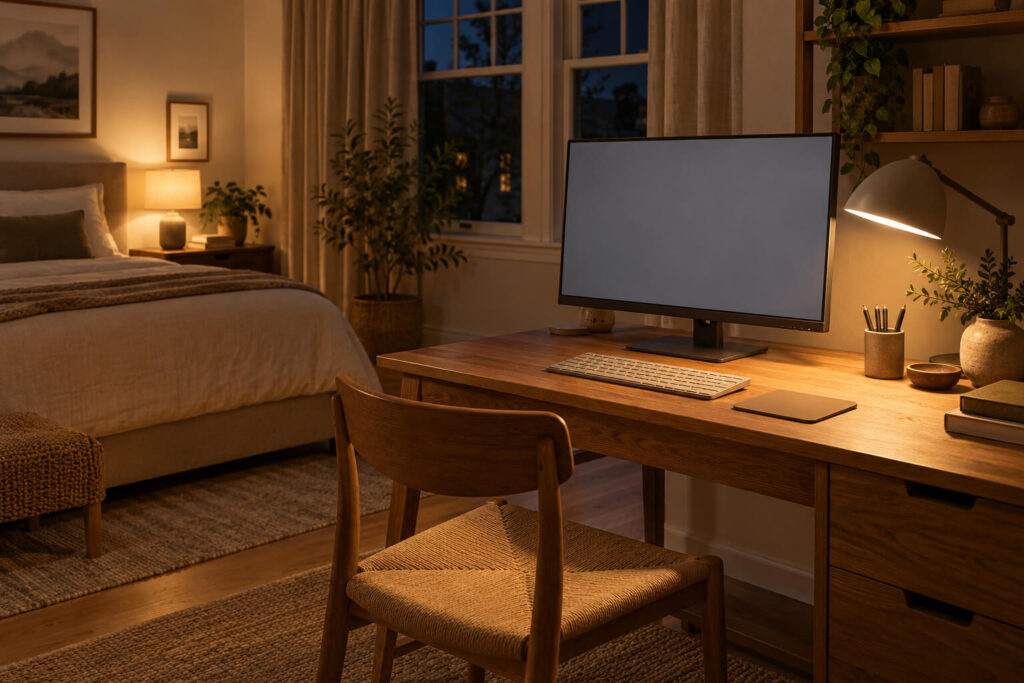
Then reduce screen brightness to a comfortable, readable level for that room. Enlarge text if needed instead of squinting at a dim display. Adjust the screen’s warmer color setting separately: warmth changes the appearance of colors, while brightness changes how much light the display emits. Neither setting changes the other lights in the room, or how engaging the work itself is.
A low-light computer setup still needs enough light for the keyboard, controls, notes, and anything else you’re using. If you’re reading fine detail, raise the light or screen brightness as needed. If accurate color matters, a warm screen setting or tinted lens can change what you see; use a neutral view for the color-sensitive part of the task.
When you can’t change the shared light
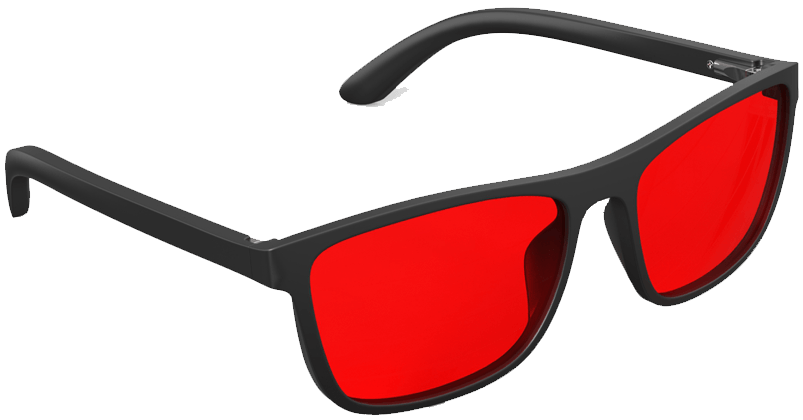
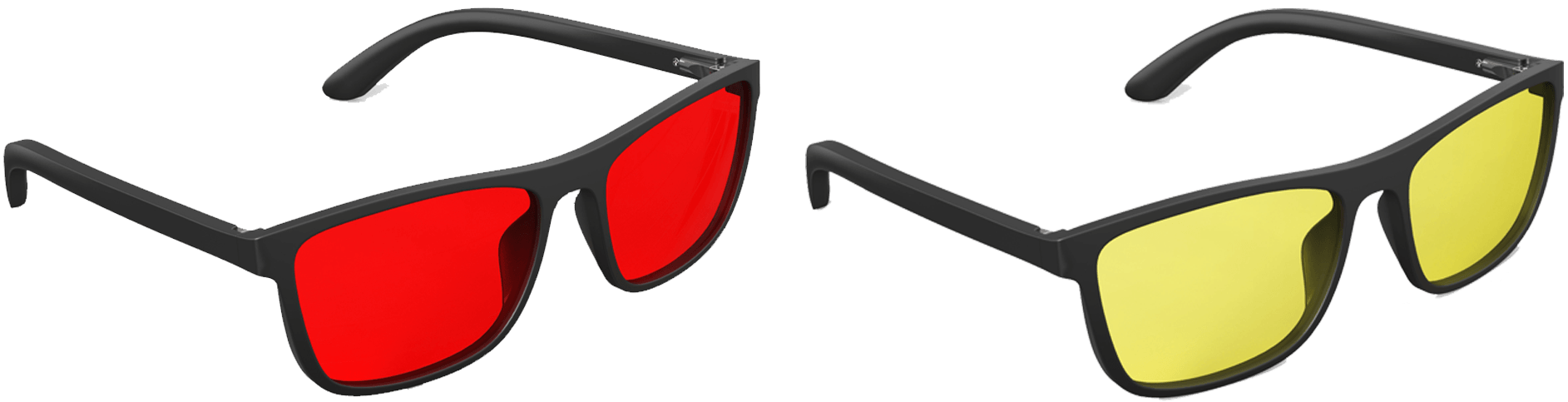
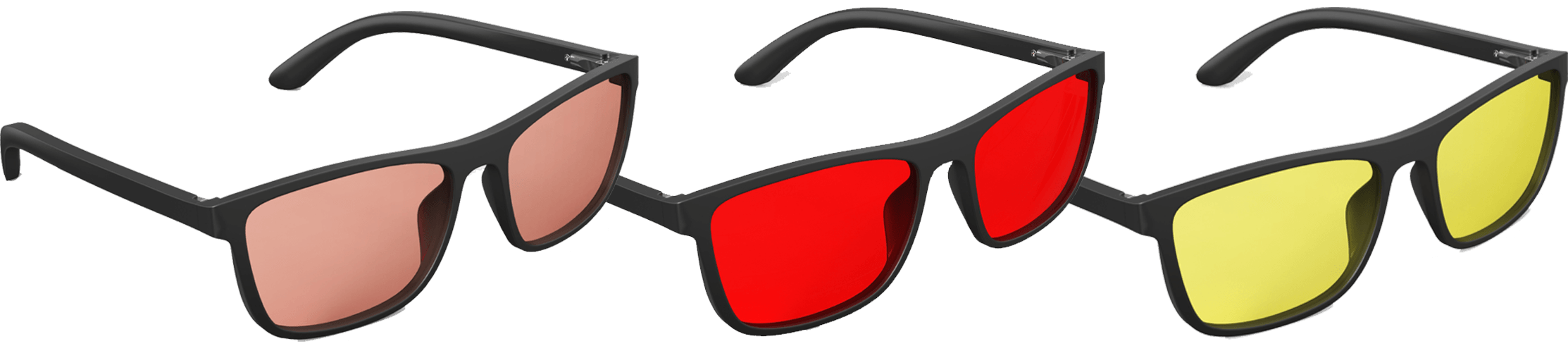
Sometimes a partner needs the room light on, or you’re working in a space where the fixture isn’t yours to adjust. Once you’ve made the screen and desk as workable as you can, a personal filter is another option for the seated session. Gloojo Night Ease orange tint strongly reduces blue and blue-green light while letting more visible light through than the red tint. That makes its tradeoff relevant when you still need to read a screen under shared lighting: the view is darker and colors shift, so check that text and controls remain clear and use an untinted view when color accuracy matters.
Filtering changes the light reaching the wearer, not the room light for everyone else. Research on blue-light-filtering lenses has found mixed and uncertain results for sleep, across lenses and studies that differ considerably. Choose the setup for what you can comfortably see and control, rather than expecting a particular sleep result.
Check the setup from where you'll use it
Before bed, stand at the sink and look at your face and basin; sit at the desk and check the text, controls, and reflections; then walk the complete bathroom route in both directions with the lights you’ve chosen. Check that any sensor responds before you need to move and stays on long enough for the task.
Adjust any area that fails its check. A little more light on a step or the page you’re reading can be more useful than more light everywhere. Once each scene works from the position where you’ll actually use it, your setup is ready for the evening and for the next necessary trip.
Disclaimer
This article is for educational purposes only and is not medical advice. Gloojo Night Ease™ Sleep Glasses are not intended to diagnose, treat, cure, or prevent insomnia, sleep disorders, circadian rhythm disorders, or any medical condition. If you have chronic sleep problems, take medication, are pregnant or nursing, or are considering sleep supplements, please speak with a qualified healthcare professional.