Use the promo code to enjoy a 10% discount storewide.
Screen Time Before Bed: Screen Habits That Hurt Sleep & Fixes
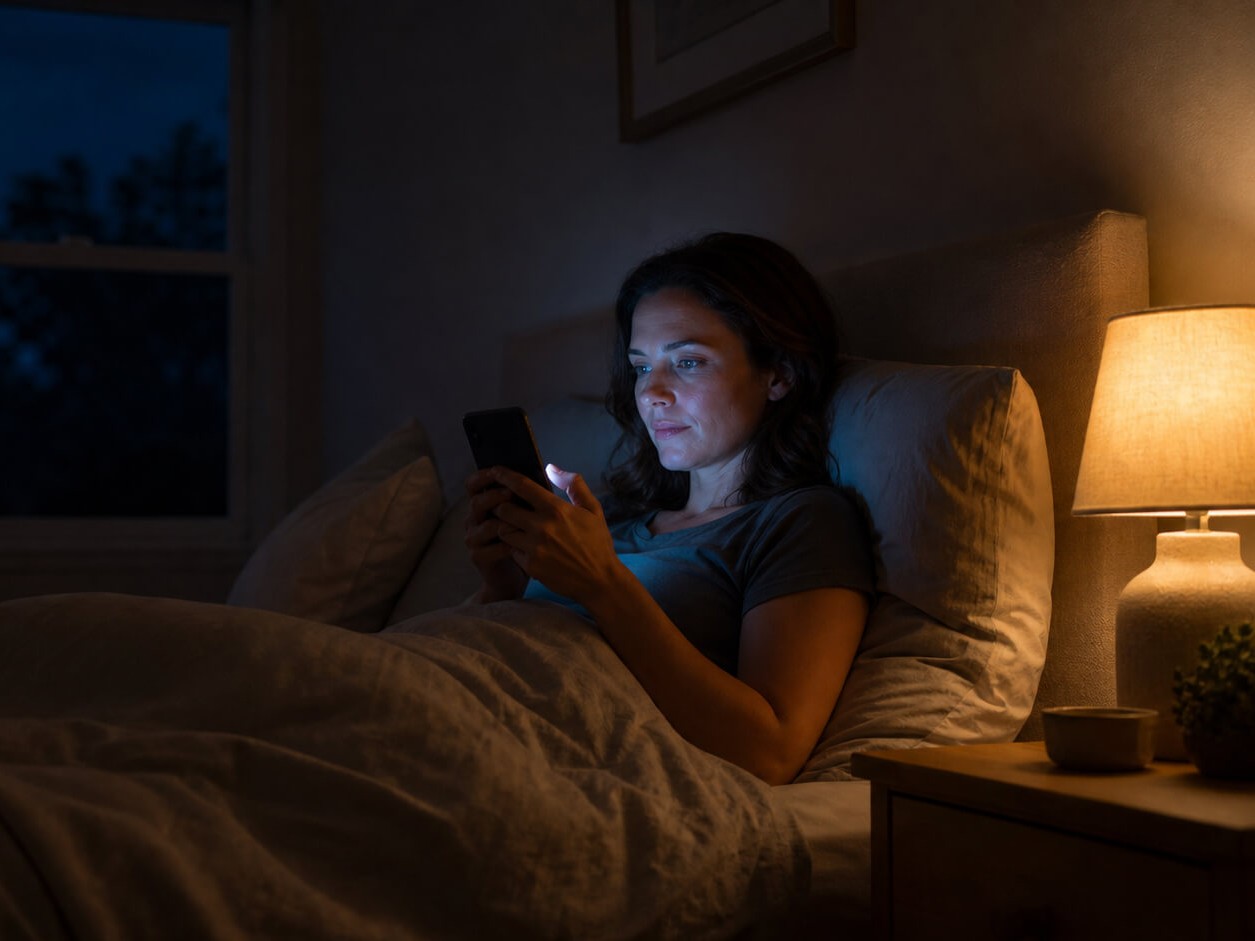
Specific evening screen habits — not just “screens” — affect sleep through light exposure, cognitive stimulation, and conditioned wakefulness. Some of the most common disruptors are scrolling in bed, high-brightness screens late at night, and stimulating content before sleep. You don’t need to give up screens; start with lower brightness, night mode, and a short pre-sleep scrolling buffer.
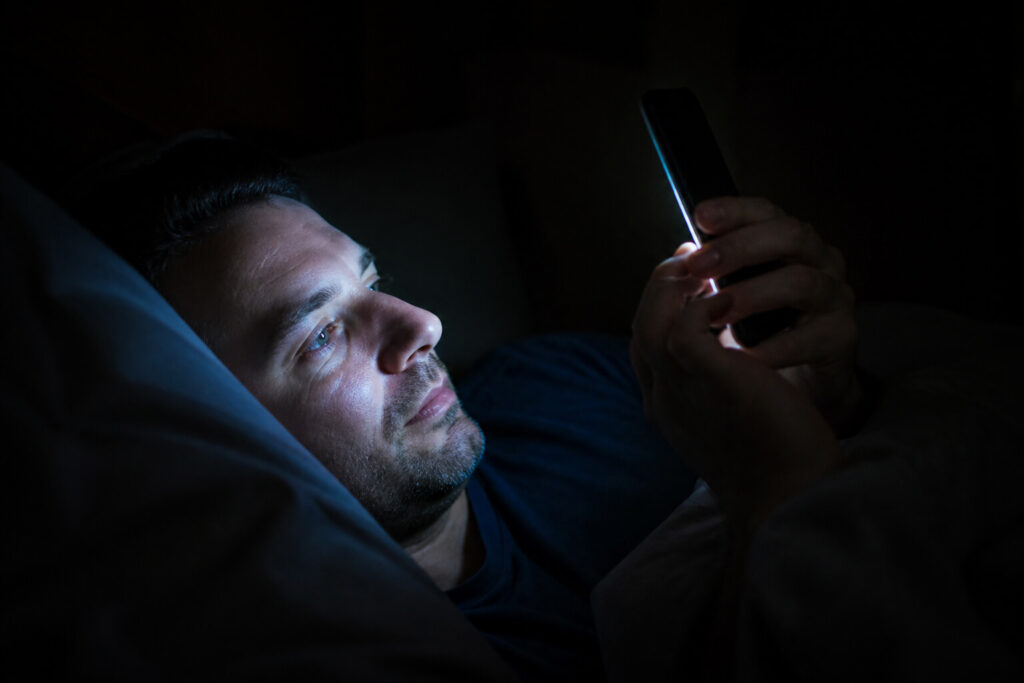
Scrolling in bed trains your brain to stay awake
When you scroll social media, watch videos, or read on your phone in bed, you’re doing two things at once: exposing yourself to light that can suppress melatonin, and teaching your brain that the bed is a place for being awake and engaged — not for sleeping.
Sleep researchers call the second part “conditioned wakefulness.” Over time, your brain learns to associate the bed with alertness and stimulation. Even after you put the phone away, the bed itself can become a cue for wakefulness rather than sleep. This is the same reason sleep clinicians recommend not lying in bed awake for long periods — the association between bed and wake can strengthen with repetition.
What to check: Do you scroll, watch, or read on a screen in bed most nights? If so, the bed may already be partially conditioned as a wake-associated space.
Bright screens late at night send a strong "daytime" signal
Your eyes contain light-sensitive cells that respond to the brightness and spectrum of light — not just the color. The measure that matters most for your sleep system is called melanopic irradiance: how much light reaches the cells that signal your brain’s internal clock.
A bright screen at full brightness delivers more melanopic light than the same screen dimmed. And the effect is dose-dependent: higher melanopic exposure delays sleep onset, suppresses melatonin, and pushes your circadian timing later. A study comparing evening eReader use with reading a printed book found that the light-emitting device delayed circadian timing, suppressed melatonin, increased time to fall asleep, and reduced next-morning alertness.
Night mode reduces the blue-wavelength component of screen light, which can lower melanopic irradiance. But it doesn’t eliminate it — a screen in night mode at full brightness still typically delivers more light than one dimmed to its lowest comfortable setting.
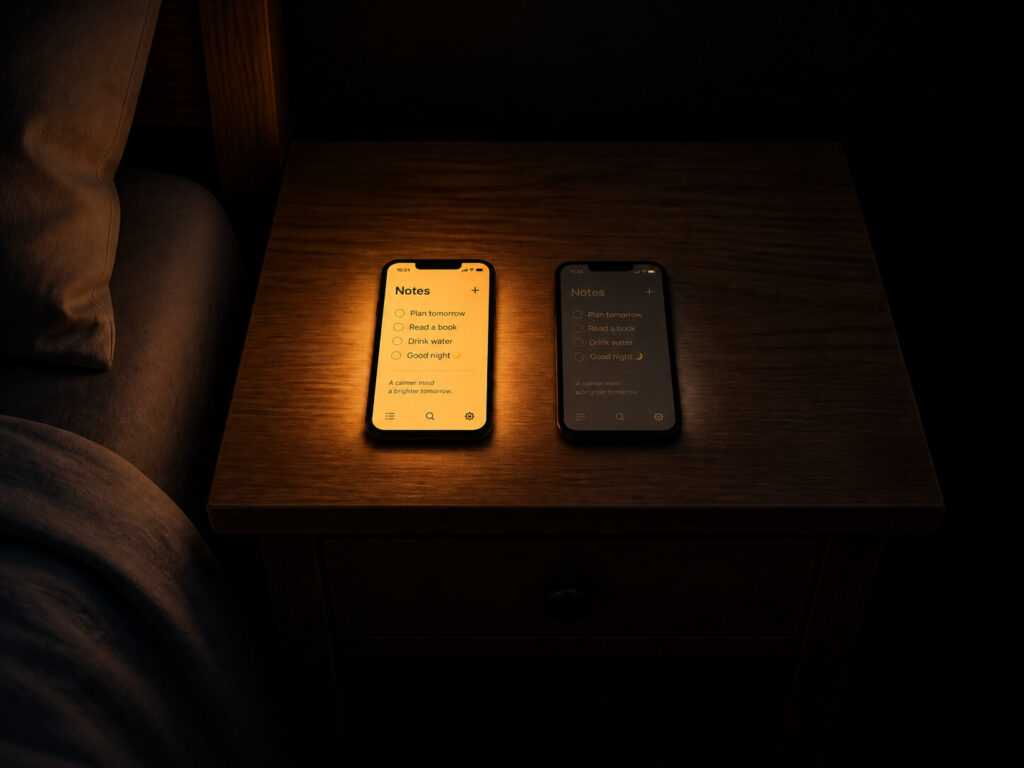
Night mode at full brightness (left) still typically delivers more light than the same screen dimmed to its lowest comfortable setting (right).
What to check: Is your screen at full or high brightness during the hours before bed? If so, the brightness level — not just the color setting — may be contributing to delayed sleep onset.
Stimulating content keeps your brain in problem-solving mode
Light isn’t the only way screens affect sleep. The content you consume matters too. News, social media arguments, work emails, and engaging videos can sustain cognitive stimulation — worry, problem-solving, anticipation, frustration — that is the opposite of the mental state your brain needs to transition into sleep.
This is especially relevant in the window before sleep. If the last thing your brain does before bed is process emotionally charged content, it may carry that stimulation into the attempt to fall asleep. The effect isn’t about the screen’s light — it’s about what the screen is asking your brain to do.
What to check: What kind of content are you consuming in the last hour before bed? If it’s news, social media, or work-related, the cognitive stimulation may matter as much as the light.
Screens as the last thing you do leave no buffer
Many people go from scrolling to “trying to sleep” with nothing in between. There’s no transition — no gap between the stimulating activity and the attempt to fall asleep. Your brain doesn’t have time to shift gears.
This is compounded when the screen is the last activity by design: you’re in bed, you’re on your phone, you put the phone down, and you close your eyes. The transition from “engaged and alert” to “ready to sleep” happens in seconds rather than minutes. For many people, that’s not enough.
What to check: Is there any non-screen activity between your last screen use and your attempt to fall asleep? Even a few minutes of quiet — dim light, no input — can help your brain begin to shift.
Night mode helps, but it doesn't fix the whole problem
Night mode (or night shift, dark mode, eye comfort mode) is one of the most common recommendations for screen time before bed. It reduces the blue-wavelength component of the light your screen emits, which can lower melanopic irradiance.
But night mode doesn’t change three things that also affect sleep:
Brightness. Night mode shifts the spectrum, but it doesn’t reduce total light output. Dimming your screen addresses brightness directly — the two adjustments work on different aspects of light exposure.
Content arousal. Night mode doesn’t make news less stressful, social media less engaging, or work emails less activating. The cognitive stimulation from the content is unchanged.
Bed association. If you’re scrolling in night mode in bed, you’re still conditioning the bed as a place for wakefulness.
Night mode is a reasonable default setting for evening screen use — it’s better than not using it. But it’s not sufficient on its own if the other habits remain unchanged.
What to check: Do you treat night mode as your only screen-sleep intervention? If so, you may be getting less protection than you think.
How to fix it: a repair plan you can start tonight
You don’t need to give up screens before bed. The goal is smarter use — reducing the specific behaviors that matter most, at a pace that feels manageable.
Tonight (5 minutes or less)
Reduce screen brightness. Lower your phone and laptop brightness to the lowest comfortable level during the hours before bed. Reducing brightness is a simple first step — it addresses total light output directly.
Enable night mode. If you haven’t already, turn on your device’s night mode or blue-light filter. Combined with lower brightness, it reduces the light signal your circadian system receives.
Create a scrolling buffer before sleep. Put the phone down — or at least switch to a non-stimulating activity — some time before you plan to fall asleep. Even a short buffer helps. The exact number matters less than the habit.
This week
Set a screen cutoff time. Choose a time before your target sleep time when screens go off or switch to low-stimulation use. Consistency matters more than the exact number.
Move screens out of the bedroom. If you charge your phone on the nightstand, try charging it in another room. This removes the temptation to scroll in bed and helps recondition the bed as a sleep-only space.
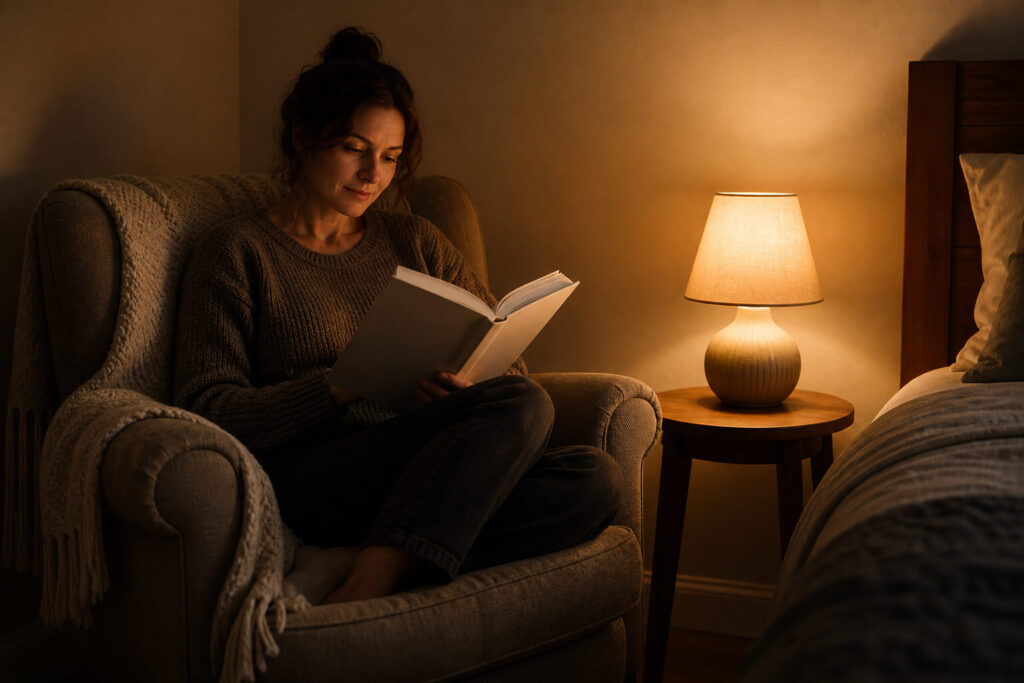
Add a wind-down activity. Replace screen time with something quiet and low-stimulation: reading a physical book, light stretching, listening to music or a podcast at low volume. The activity doesn’t matter as much as the gap between screen engagement and sleep.
Optional tools
Some people find that additional changes to their light environment help support a bedtime routine:
Dim ambient lighting. Room light at typical indoor levels can suppress melatonin Dimming your environment in the evening reduces the total light signal your circadian system receives — not just from screens, but from overhead lights and lamps too.
Consider light-filtering glasses for evening screen use. Amber or orange-tinted glasses worn during the last hour or two of screen use can help reduce the light signal reaching your circadian system. If you’re interested in this approach, Gloojo’s Night Ease sleep tints (not suitable for driving or road use) are one option designed to help reduce disruptive evening light exposure as part of a bedtime routine. They’re one tool among several — not a replacement for brightness, timing, and content changes.
Adjust screen color temperature. Some devices and apps allow you to set a warmer color temperature beyond what standard night mode offers. This can further reduce melanopic irradiance, though the effect varies by device.
If you’ve made the changes that feel realistic and your sleep is still consistently poor — or if sleep difficulty is affecting your daily functioning — it’s worth talking to a healthcare professional. Persistent sleep problems can have causes that go beyond screen habits.
Disclaimer
This article is for educational purposes only and is not medical advice. Gloojo Night Ease™ Sleep Glasses are not intended to diagnose, treat, cure, or prevent insomnia, sleep disorders, circadian rhythm disorders, or any medical condition. If you have chronic sleep problems, take medication, are pregnant or nursing, or are considering sleep supplements, please speak with a qualified healthcare professional.