Use the promo code to enjoy a 10% discount storewide.
Migraine Light Sensitivity Indoors: A Comfort Checklist for the Next Task
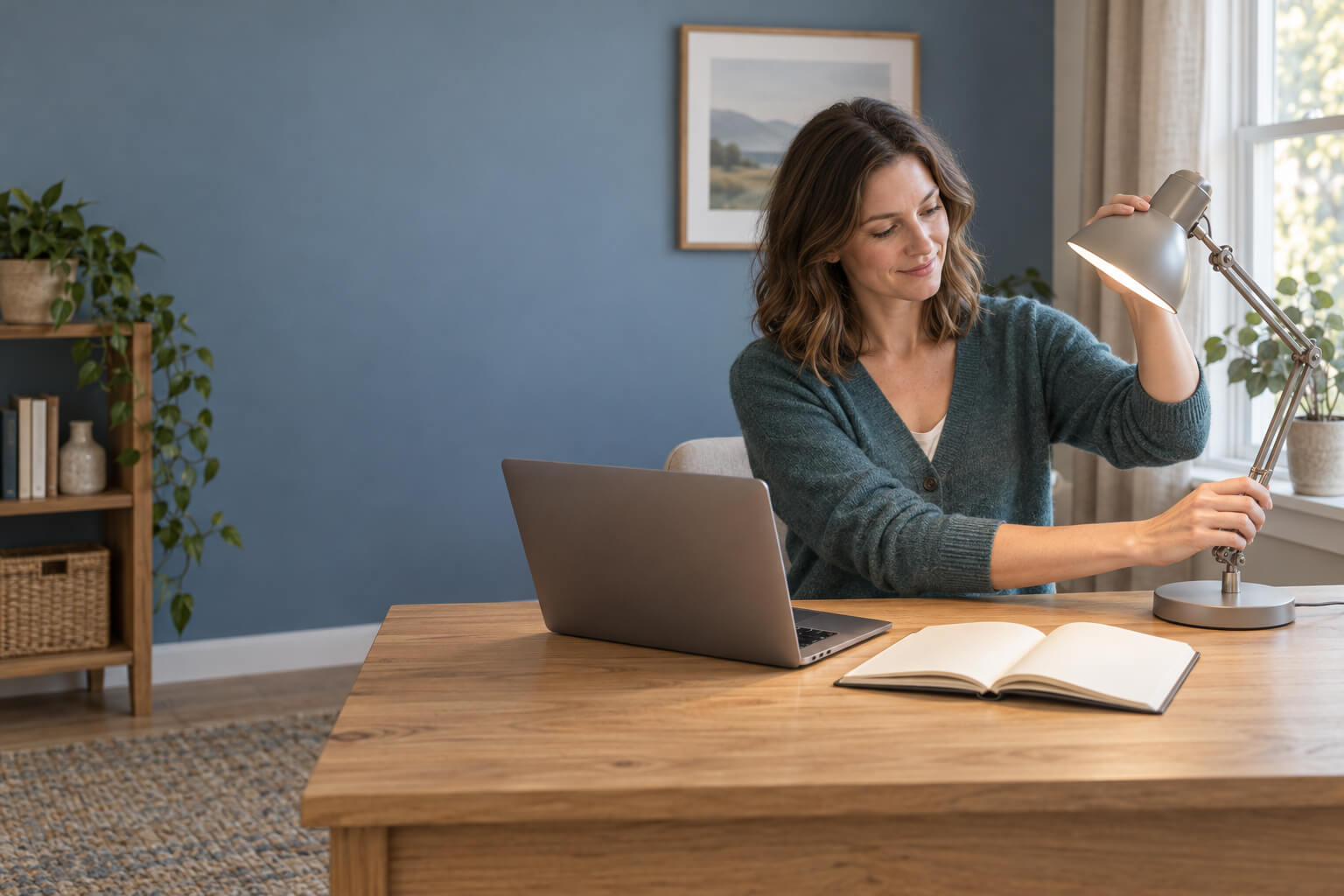
When migraine light sensitivity indoors makes the next necessary task feel daunting, start by reducing the most controllable visual load—not by trying to identify one universal trigger. Change one condition at a time, keep a fallback ready, and note whether the task becomes easier to tolerate. Tinted eyewear can be a later, optional trial rather than the opening answer.
Photophobia means that light feels unusually uncomfortable or painful. It is common with migraine, but it is not proof that migraine is the cause; other eye and nervous-system conditions can also involve light sensitivity. This checklist is for practical comfort experiments alongside appropriate care, not for diagnosing the source of symptoms.
Notice first: what is demanding your attention?
Before dimming everything, look at the specific setting and task. You are not trying to diagnose a mechanism. You are choosing a useful first adjustment.
Overall brightness: Does the whole space feel too bright, or is one source dominating your view?
Direct glare or reflections: Is a bare bulb, window, glossy page, whiteboard, or screen reflection in your line of sight?
Screen-to-room contrast: Does a bright screen sit in a dark room, or does a dim screen disappear against a bright background?
Visual density and duration: Are you reading small type, scanning a crowded page, watching motion, or concentrating without a pause?
Possible flicker or instability: Does discomfort feel different near a particular display or light, even when brightness seems similar?
Migraine-related visual sensitivity can involve brightness, flicker, patterns, and color-related discomfort as distinct dimensions. That is why “reduce blue light” or “turn every light off” is too simple. Treat what you notice as a cue for the next experiment, not proof of a cause.
Use the same adjustment order in any room
When several things feel wrong at once, work through them in this order:
Change position or line of sight. Move the source, your chair, the page, or the screen so the brightest element is not directly ahead of you.
Reduce reflections and visual clutter. A small change in angle or a cleaner workspace may be more usable than making the entire room darker.
Make the task easier to see. Increase type size, improve page placement, simplify what is on screen, or use an evenly lit work surface.
Change one controllable factor. If brightness, contrast, font size, and seating all change together, you will not know which change was practical enough to repeat.
Keep a fallback. Decide in advance whether you will pause briefly, switch to audio, move to a different seat, or do a less visually demanding task.
Make one small request if someone else controls the space. Ask for a concrete change for the current task, not a complete redesign of the environment.
The goal is not a perfect room. It is a more workable next activity.
For screen work: fix reflections and readability first
With migraine screen light sensitivity, screen brightness is only one part of the setup. Begin by checking whether a window or overhead light is reflected on the display. Turn the screen, lower a shade if you control it, or change your seat before pushing brightness to an extreme.
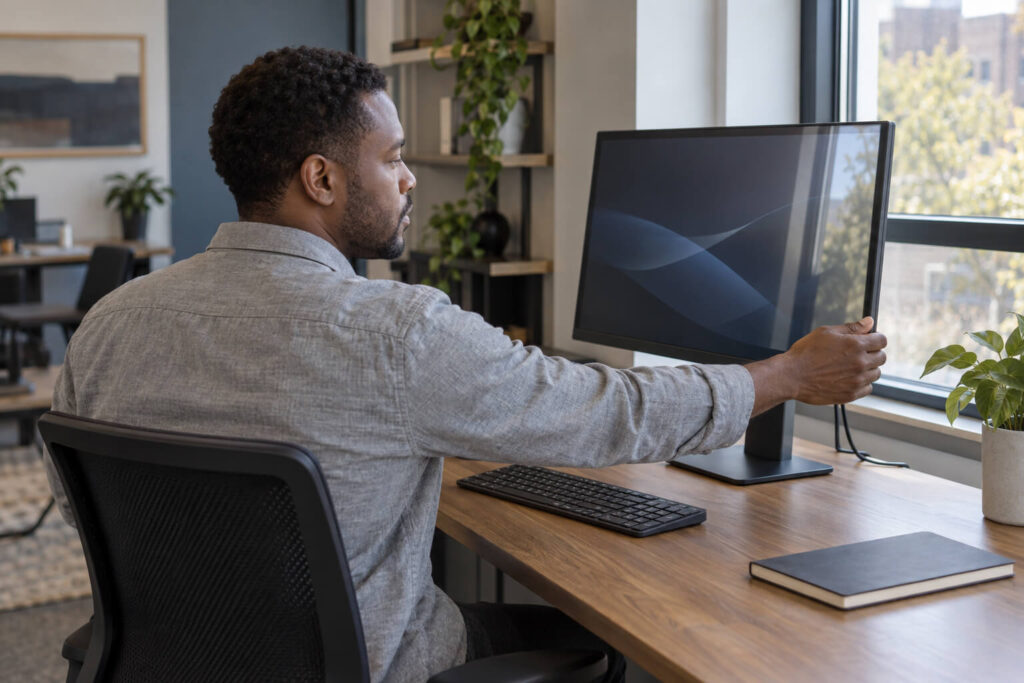
Then make the content easier to process:
increase text size or zoom so you are not leaning in and straining to parse dense content;
reduce unnecessary panels, animated elements, notifications, or high-contrast clutter;
set the display to a comfortable level relative to the room instead of using a bright screen in near-darkness;
move reference material beside the screen so your eyes are not repeatedly shifting between very different distances or brightness levels;
prepare a nonvisual or lower-visual fallback, such as listening to text, taking a short audio call, or handling a simple administrative task.
If symptoms build, a brief reset is not a failed work session. Look away from the display, close your eyes if that feels comfortable, or move to a calmer task. Resume only if the activity remains manageable; the checklist is not an instruction to push through worsening symptoms.
For close reading: light the page, not your eyes
For paper, an e-reader, or detailed near work, position the light so it falls across the material without shining toward your face or bouncing off a glossy surface. A small change in page angle can remove a sharp reflection without darkening the room.
Make the reading demand lighter as well:
use larger print, wider spacing, or an e-reader setting that feels easier to resolve;
support the book or device at a comfortable angle rather than holding it in a fixed position;
cover unrelated sections of a dense page with a plain sheet of paper;
alternate a short reading block with audio, dictation, or another task that uses less close visual focus.
If reading is necessary, decide the minimum useful stopping point before you begin—a form section, two pages, or one message. That gives you a natural place to reassess instead of waiting until discomfort is overwhelming.
For offices and shared rooms: choose a specific, local change
In a shared space, start with the area immediately around you. If possible, sit so a window, ceiling fixture, or presentation screen is not centered in your view. Angle the monitor away from reflections, clear bright white paper from the edge of your visual field, and keep only the materials needed for the current task visible.
When another person controls the room, ask for one small change tied to the activity. For example: “Could we switch off the desk lamp beside me during this 30-minute review?” or “Could I take the chair that faces away from the window?” A narrow request is easier to understand and test than a general statement that the lighting is bad.
This is a comfort tactic for the immediate setting, not a workplace accommodation process. If you need recurring or formal changes, that is a separate conversation outside this checklist.
For public indoor settings: control your route and waiting position
Stores, clinics, transit areas, and event spaces offer less control, so prepare around movement and waiting rather than trying to change the whole environment.

Choose a waiting seat that does not face a bright sign, window, or exposed fixture.
Use a short list or saved note so you spend less time scanning shelves, signs, or forms.
Complete visually demanding details in a calmer place when possible—for example, fill in routine information before entering a bright waiting room.
Plan a brief reset location, such as a quieter corridor, lobby edge, or other safe place away from the busiest visual field.
If someone can help, make the request specific: ask whether you may wait in a less bright seat or be notified when it is your turn.
Your fallback might be shortening a nonessential part of the visit, switching from browsing to a prepared list, or leaving and rescheduling when symptoms make the task unsafe or unmanageable. The point is to preserve a usable option, not to prove that you can tolerate the space.
Use a prepare–try–note loop
A compact record can turn vague frustration into a practical next step without declaring that one exposure caused an attack. Migraine patterns are often complicated: several factors may combine, and an apparent “trigger” may sometimes be an early symptom instead.
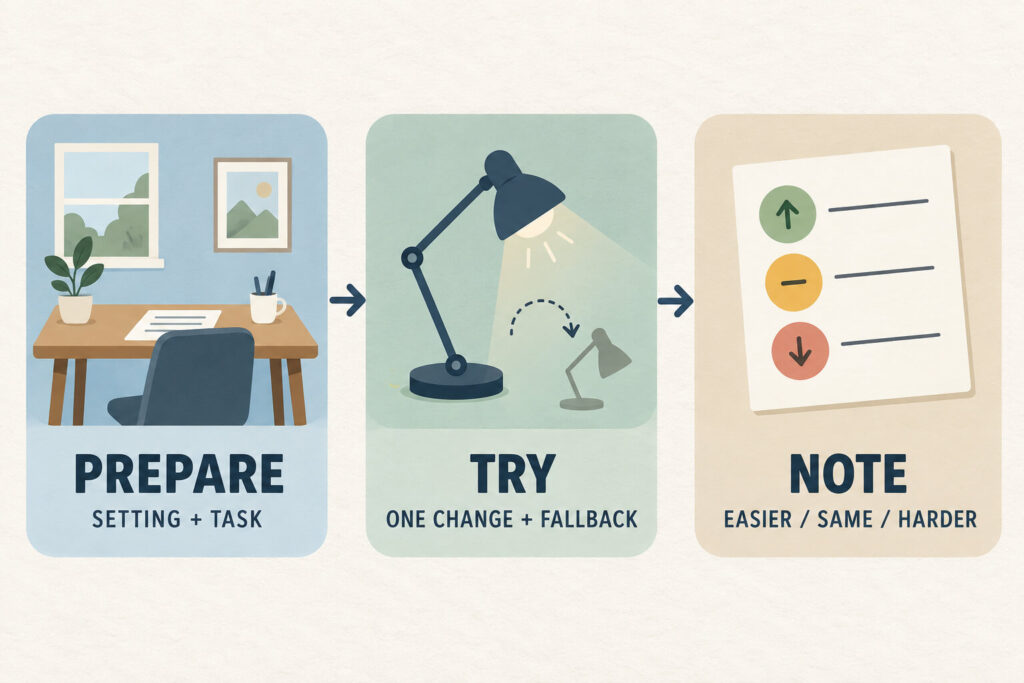
Prepare
Name the setting and the task. Pick one adjustment and one fallback.
Setting: clinic waiting room
Task: complete check-in and wait
Adjustment: sit with the bright window behind me
Fallback: ask to wait in the quieter hallway
Try
Use the change during an ordinary necessary activity. Do not deliberately provoke symptoms to test a theory, and do not keep going solely to collect a result.
Note
Record only what helps you make the next decision:
setting and approximate time;
task and duration;
the one adjustment you tried;
tolerability: easier, about the same, or harder;
whether you used the fallback.
After a few comparable activities, look for a repeatable setup—not a verdict about causation. If one change is consistently practical, carry it into the next similar situation. If the notes are inconsistent, keep the plan flexible rather than adding more restrictions.
Know when environmental experiments are not enough
Arrange clinical input when light sensitivity is new, severe, persistent, unexplained, or clearly changing. Seek prompt assessment when it comes with a new or concerning visual or neurologic symptom. If a symptom seems sudden or emergency-level, use urgent or emergency care rather than testing another room, display setting, or lens.
A clinician can consider migraine alongside eye and other neurologic possibilities. Bring a short record of when the sensitivity occurs, what else you notice, and how it affects ordinary activities. That record can describe the pattern without asking you to diagnose it yourself.
Also be cautious about making permanent darkness the main strategy. Lowering an intolerable load for a difficult activity can be reasonable, but living in increasingly dark conditions is not a universal long-term answer.
Tint is an optional trial, not the first move
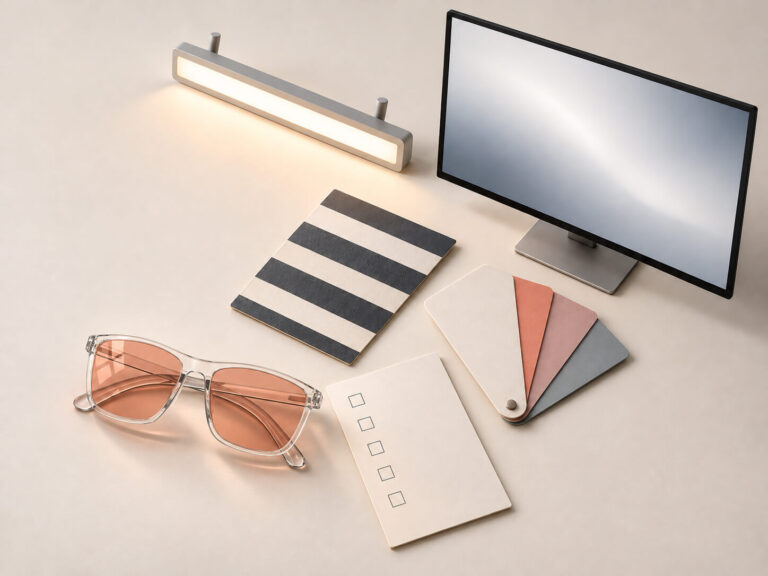
Tinted glasses for migraine light sensitivity are best approached as a personal comfort trial after you have considered position, reflections, contrast, readability, and task duration. There is no universal “best” tint, and a darker lens is not automatically a better indoor lens. Research on FL-41 or an individually selected precision filter cannot simply be transferred to any lens that looks rose, gray, yellow, or another color; the evidence for supportive optical approaches is filter-specific and limited.
If you are considering a consumer option such as Gloojo, assess the exact lens with the same neutral criteria you would use for any other option:
Color cast: Can you comfortably read, recognize information, and complete the task with the altered color balance?
Overall darkness and visibility: Does the lens reduce usable light so much that indoor details become harder to see?
Prescription or fit-over needs: Is the exact tint available in a format that works with your vision correction? Verify rather than assuming every tint has the same options.
Indoor task demands: Reading fine print, viewing a color-sensitive document, following a presentation, and moving through a public space place different demands on vision.
Personal tolerance: Can you try the lens during a short, ordinary indoor task with an easy way to remove it or switch plans?
A useful tint trial answers a narrow question: “Can I complete this particular indoor task comfortably and see what I need to see?” It does not confirm a diagnosis, predict another person’s response, or establish treatment or prevention.
Pick the next task, not the perfect solution
Choose one real activity you expect to do next: answer email, read a form, sit through a meeting, or wait for an appointment. Name the most obvious visual demand, choose one adjustment, and write down your fallback before you start.
That small plan is portable. It gives you something concrete to repeat, revise, or bring to a clinician—without treating every indoor light as the same problem or requiring one lens to solve all of it.
Disclaimer
This article is for educational purposes only and is not medical advice. Gloojo are not intended to diagnose, treat, cure, or prevent migraine, headaches, or any medical condition. If you have chronic migraine problems, take medication, are pregnant or nursing, or are considering migraine supplements, please speak with a qualified healthcare professional.