
Use the promo code to enjoy a 10% discount storewide.
Migraine Workplace Accommodations: A Practical Checklist for What to Ask For and How
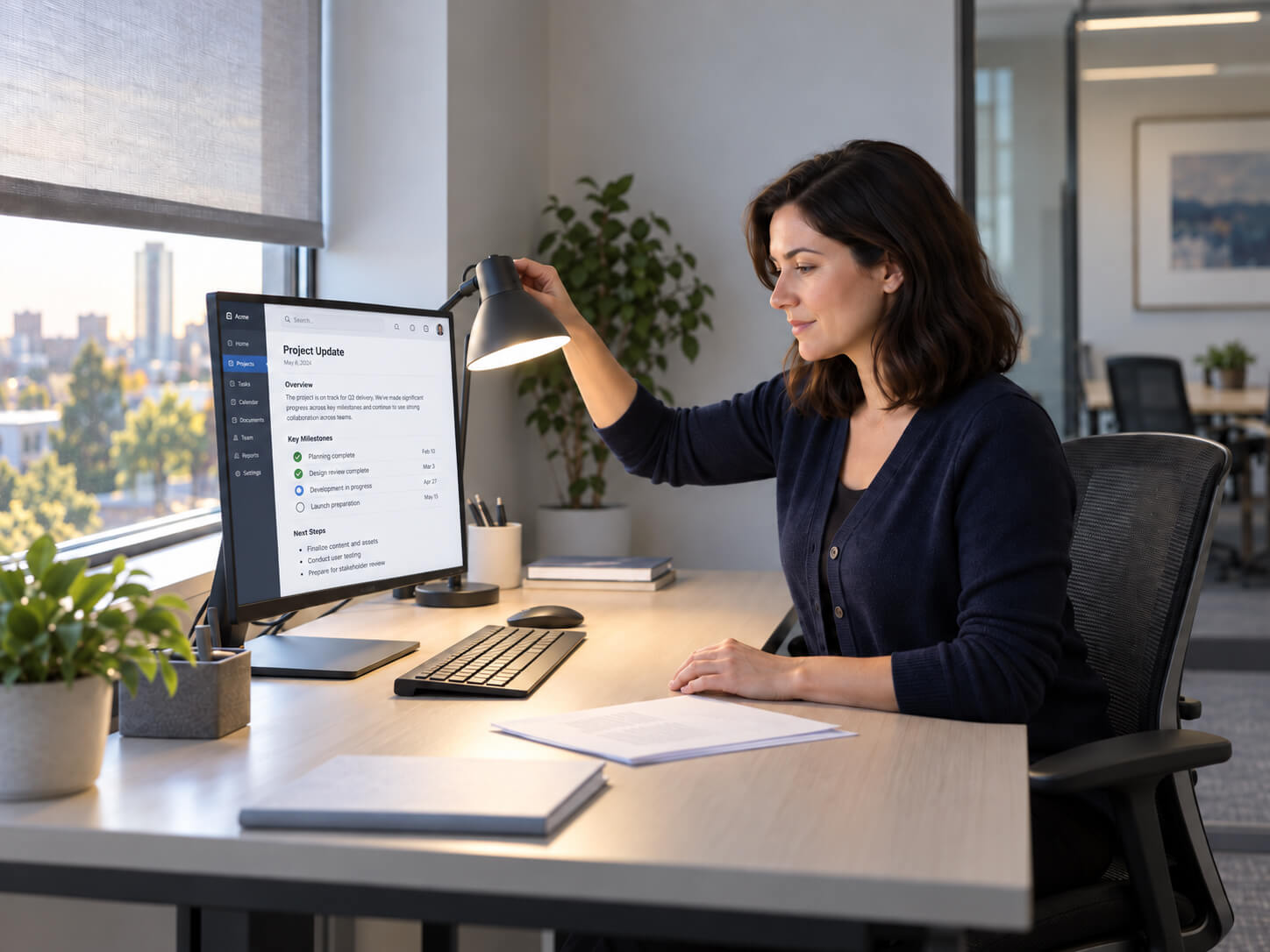
If bright light makes it harder to do your work, the choice is not necessarily “push through” or “leave.” Migraine workplace accommodations can be a way to discuss specific work barriers and workable changes—without assuming there is one right solution or a guaranteed outcome.
Migraine-related photophobia can make natural or artificial light uncomfortable, but light sensitivity can have other causes too; the American Migraine Foundation’s overview of photophobia and migraine is a useful reminder not to treat the symptom as a self-diagnosis. For work planning, start with what happens in your setting: direct glare at your desk, a bright conference room, screen-heavy deadlines, or the timing of breaks.
The goal is a small, realistic package that helps you perform the important parts of your role—not a long wish list and not a promise that every option will be available.
What do workplace accommodations for migraine light sensitivity involve?
They are potential changes to the work environment or to how work is organized so a particular barrier is easier to manage. In a U.S. federal reasonable-accommodation context, the focus is generally on the person’s functional barrier, the job’s essential functions, and possible effective options—not on a universal list for every employee.
That distinction matters. “The fluorescent lights bother me” is a useful starting point, but it becomes more actionable when you can add: “The overhead fixture reflected in my monitor makes report review difficult after lunch; a different seat or glare control may let me complete that work normally.”
Compare the options by barrier, not by popularity
The Job Accommodation Network’s migraine ideas include many of the options below, while emphasizing that people’s limitations and useful solutions vary. Use the table to identify which category fits your actual work barrier and what needs to be checked before you raise it.
| Adjustment area | Barrier it may address | Where it may fit best | Tradeoffs or dependencies to check | How to raise it |
|---|---|---|---|---|
| Lighting and visual environment | Direct glare, overhead brightness, reflections, flicker, or a visually harsh screen setup | A fixed desk, cubicle, individual office, or regular workstation | Building controls, shared lighting, safety needs, screen setup, and whether a change affects coworkers | “Could we look at reducing direct glare at my workstation—through a fixture adjustment, task-light change, screen positioning, or anti-glare measure?” |
| Seating and location | A bright window, a particular fixture, busy visual traffic, or a meeting room that is consistently difficult | Offices with flexible desks, assigned seating, or several meeting rooms | Open seats, team proximity, privacy, equipment access, and whether the new location supports the same work | “The seat near the west window is the main barrier. Could we explore a location away from that glare, with the same access to my team and equipment?” |
| Tasks and meetings | Long screen sessions, visually demanding documents, in-person meetings in a harsh room, or work that can be sequenced differently | Roles with planning, writing, analysis, documentation, or recurring meetings | Essential duties, deadlines, customer needs, meeting technology, and the impact on teammates | “For the tasks that require close visual work, could we discuss a different sequence, accessible materials in advance, or a different room/format for recurring meetings?” |
| Breaks and schedule | Symptoms or visual strain that build at predictable times; difficulty sustaining a continuous block of light-intensive work | Roles with some flexibility in timing, handoffs, or task order | Coverage, peak periods, timekeeping, deadlines, and whether a schedule change still meets essential duties | “I have a predictable difficulty window in the afternoon. Could we discuss a modified break pattern or task timing that preserves coverage and deadlines?” |
| Remote or hybrid work | On-site light exposure or commuting conditions that are hard to separate from certain desk-based tasks | Roles whose relevant work can be done remotely, at least in part | Essential in-person functions, equipment, data security, supervision, coordination, customer needs, and the home setup | “Could we assess whether the report-writing portion of my role could be done remotely or on a hybrid schedule, while keeping the in-person duties that require me on site?” |
| Supporting tools and materials | Monitor glare, inaccessible document formats, visual overload in meetings, or a need to manage the immediate workspace | Screen-based work, recurring documentation, and meetings with available alternatives | IT approval, procurement, security, accessibility, cost, and whether the tool works with existing systems | “Could we review the tools or materials that would reduce this barrier, such as display adjustments, anti-glare options, advance agendas, or written follow-up?” |

A personal comfort measure can still be part of your own routine. For example, some people use light-filtering eyewear. It is not a replacement for an environmental change, a work-design adjustment, or the relevant workplace process.
How do you choose one to three options?
Start with the smallest set that matches both the barrier and the job. A clear request is easier to assess than an undifferentiated list of every possible migraine accommodation.
Name the repeatable barrier. Record the setting, timing, and task: “The reflection from the south-facing window during afternoon spreadsheet review,” not simply “light sensitivity at work.” A short pattern log can help distinguish what is consistent from what is occasional.
Connect it to essential work. Identify the work you need to keep doing: client calls, report review, training, lab work, live service, or team meetings. “Essential functions” means the fundamental duties of a particular job; it is not a label you have to decide alone.
Choose a first option and one or two alternatives. Pair one direct, low-disruption option with a fallback. For example: first, move the workstation; second, change the monitor and glare setup; third, use a different room for a recurring meeting.
State the operational guardrails yourself. Mention what still needs to work: coverage, confidential information, equipment, meetings, or deadlines. This shows that you are looking for a workable arrangement, not avoiding the job.
Suggest a check-in when it makes sense. A trial period or follow-up can be useful if the workplace is willing to assess whether a change is workable. It is a discussion option, not a promised process or result.
Your migraine accommodation checklist for a manager or HR conversation
Bring a short, practical brief. You do not need to turn the conversation into a medical history or legal argument.
Describe the work barrier and its impact. Note the specific light, setting, task, or schedule pattern and how it affects work you are expected to do.
List the affected duties. Separate essential work from details that could potentially be handled differently. Be concrete about meeting formats, desk work, customer-facing time, equipment, or coverage.
Bring a brief pattern record. Include dates or recurring conditions, what you were doing, and what seemed to make the environment more workable. Avoid presenting every difficult day as proof that one factor caused it.
Prepare one to three prioritized options. Include a first choice, alternatives, and any dependencies you already understand—such as an available desk, IT support, or a meeting-room change.
Ask how the workplace handles requests. Follow the relevant manager, HR, union, or accommodation process. Supporting documentation may be part of some processes; provide it if it is requested through the applicable process rather than guessing what will be needed.
Be ready to discuss the work, not only the condition. Explain what you need to be able to do and which proposed changes may help you do it. Keep medical detail to what is relevant to the process.
Write down what was discussed. Afterward, keep a factual note of the options, questions, next steps, and any agreed check-in. That makes it easier to continue the conversation accurately.

An adaptable request outline
You can adapt this to your workplace’s normal channel—an email to HR, a manager meeting, or a form—without asserting an outcome:
I’d like to discuss a work barrier related to a health condition. Bright direct light and screen glare in [specific setting] can make it difficult for me to complete [specific duties] consistently. I’d like to explore [first option], or alternatively [second option], while continuing to meet [key duties/coverage requirement]. Could you let me know the appropriate process and a time to discuss feasible options? I can provide relevant supporting information if it is needed through that process.
Keep the brackets specific. The strength of this outline is not legal wording; it is that it gives your employer enough information to understand the barrier, the work affected, and the options you are prepared to discuss.
Is remote work a reasonable accommodation for migraine?
Sometimes it may be considered, but it is not automatic. EEOC telework guidance explains the U.S. federal framework this way: the discussion can examine whether the relevant work can be done at home and how essential duties, equipment, supervision, collaboration, customer contact, and workplace-only information affect feasibility.
That is why “remote work” is usually a category to evaluate, not a standalone answer. If you need to be on site for clients, machinery, secure records, or real-time coordination, a partial remote arrangement, a different on-site environment, or another option may be more relevant. If much of your work is independent and digital, identify which tasks could be done remotely and which still need an on-site plan.
A short U.S./Canada process boundary
In the United States, ADA-related reasonable-accommodation rules depend on details such as employer coverage, disability status, essential functions, and undue hardship. A request can start a discussion; it does not itself decide eligibility or require a preferred solution. The EEOC describes this as an individualized, flexible process, and workplaces may have their own procedures.
In Canada, the Canadian Human Rights Commission’s workplace-accommodation guide applies to federally regulated workplaces. It describes a barrier-focused, collaborative process and an individualized duty-to-accommodate framework subject to undue hardship. Provincial and territorial human-rights rules, collective agreements, and employer processes can differ.
This article is general information, not legal advice. If you need advice about your own coverage, documentation, or a disputed workplace decision, use the appropriate local employment, human-rights, union, or legal resource.
Start with the one barrier you can describe clearly
You do not need to solve the entire workplace situation before opening the conversation. Identify the clearest barrier, choose a small set of options, and explain how each could support the work you need to do. That creates a more useful starting point than silently enduring a difficult setting—or assuming that leaving is the only alternative.
Disclaimer
This article is for educational purposes only and is not medical advice. Gloojo Glasses are not intended to diagnose, treat, cure, or prevent migraine, chronic headaches, neurological disorders, or any medical condition. Individual responses to tinted lenses may vary. If you experience frequent, severe, or worsening headaches, visual disturbances, or other concerning symptoms, please speak with a qualified healthcare professional.