Use the promo code to enjoy a 10% discount storewide.
Evening Light Management: What to Change First
The practical order is usually: adjust the environment first, tune the screen you use, and treat filtering eyewear as an optional extra—not the foundation. Each option controls a different part of the evening. The best choice is the one that fits what you can realistically change while preserving comfortable, safe vision.
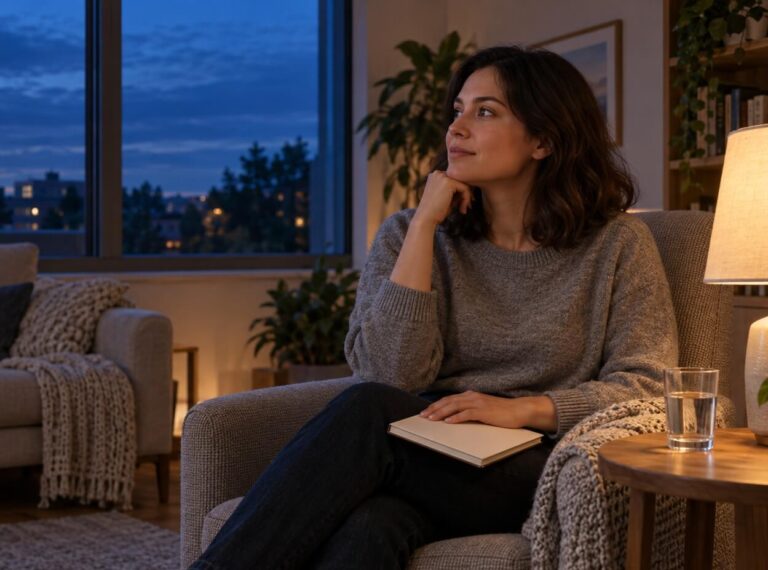
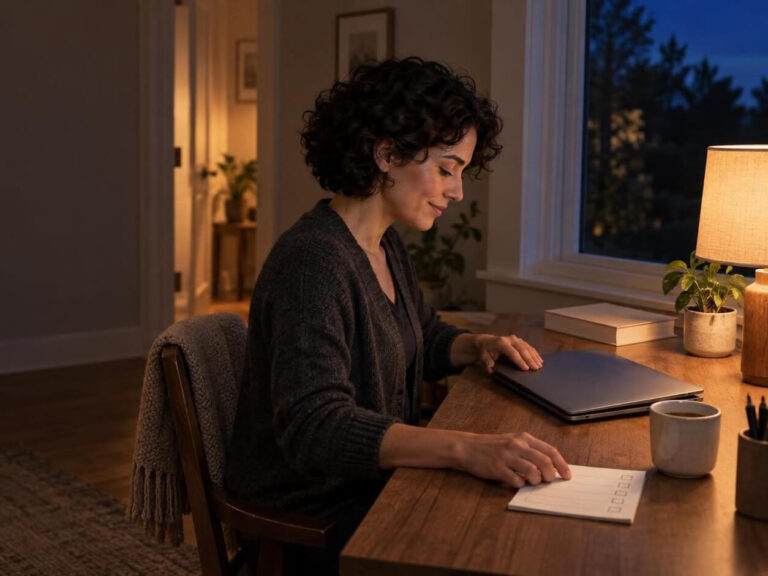
Evening light management means shaping the light around you and from your devices as your day winds down. It is broader than trying to reduce blue light at night: room brightness, where a lamp points, a bright television across the room, screen brightness, timing, and your own sensitivity can all matter. General sleep guidance includes avoiding bright artificial light before bed and keeping the bedroom dark, but it is one piece of a broader routine rather than a guarantee of a particular sleep result (healthy sleep habits from the National Heart, Lung, and Blood Institute).
Compare the options on the same terms
| Option | What it changes | Effort and cost | Where it has control | Fit with reading, work, caregiving, and mobility | Main limitations and visual tradeoffs |
|---|---|---|---|---|---|
| Environment | Ambient brightness, direct glare, reflections, and the darkness of the sleep space | Often low cost; may require rearranging lamps or household habits | Whole room, including non-screen sources | Usually easiest to adapt for shared routines; preserves normal color and brightness when changes are modest | Cannot alter light emitted by a screen; shared spaces can limit control |
| Device settings | Screen brightness, color-temperature mode, scheduling, and when the display is used | Usually quick and no added purchase | The display itself | Convenient for solo screen use; can be scheduled around a routine | Does not change room light or television/light from other sources; a warmer mode can change color appearance |
| Optional filtering eyewear | Some light reaching the eyes while worn, including light from more than one source | Requires an extra item and a use routine | Wearer’s view of both screens and surroundings | Can be useful when you cannot adjust a shared space; may be inconvenient for tasks needing normal color or brightness judgment | Can alter color perception and perceived brightness; sleep-outcome evidence is not settled; not a substitute for a safer environment or task judgment |
The table is not a scorecard with one winner. It shows why environment and device controls make a sensible base: together, they can reduce unnecessary bright light at its sources without asking you to view the whole evening through a filter.
What you are actually managing
Color is only one variable. For evening lighting for sleep, the amount of light, its spectrum, how long you are exposed, when exposure occurs, and individual response all belong in the picture. The International Commission on Illumination’s guidance on using the right light at the right time makes the same point: visible warmth alone is not a complete measure of a light’s non-visual effects.
That is why a layered approach is more useful than chasing a single “best” bulb setting or a universal pre-bed cutoff. Start with the largest avoidable sources in your actual evening, then add a more targeted control only if it solves a remaining practical problem.
Environment: change the light that reaches the whole room
If you are wondering how to reduce light before bed, look beyond your phone. Overhead fixtures, bright kitchen lighting, a television, and reflections from windows or glossy surfaces can shape the room even when a device is dimmed.
Start with the simplest changes that preserve a usable space:
Use less-direct, lower-intensity room lighting where your routine allows instead of relying on one bright overhead source.
Move or aim lamps so they do not shine directly into your eyes or across a screen.
Reduce distracting reflections by repositioning a display or light source.
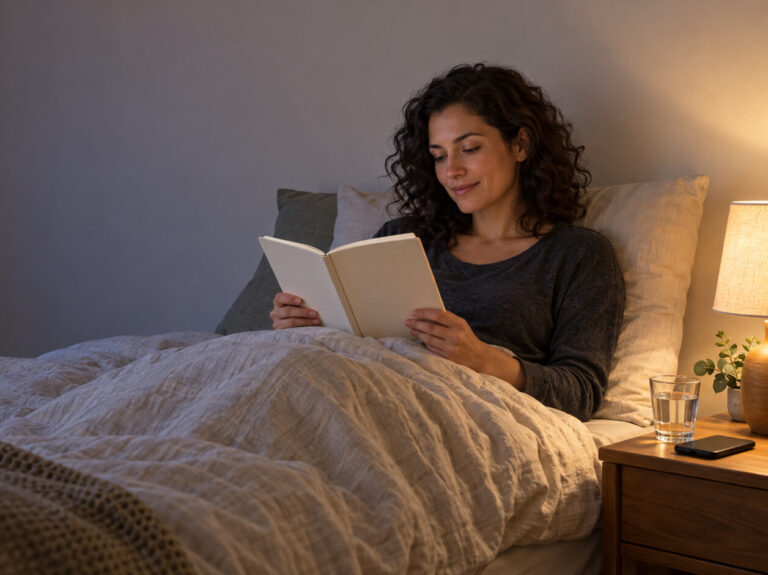
Keep the sleep space darker when it is time to sleep.
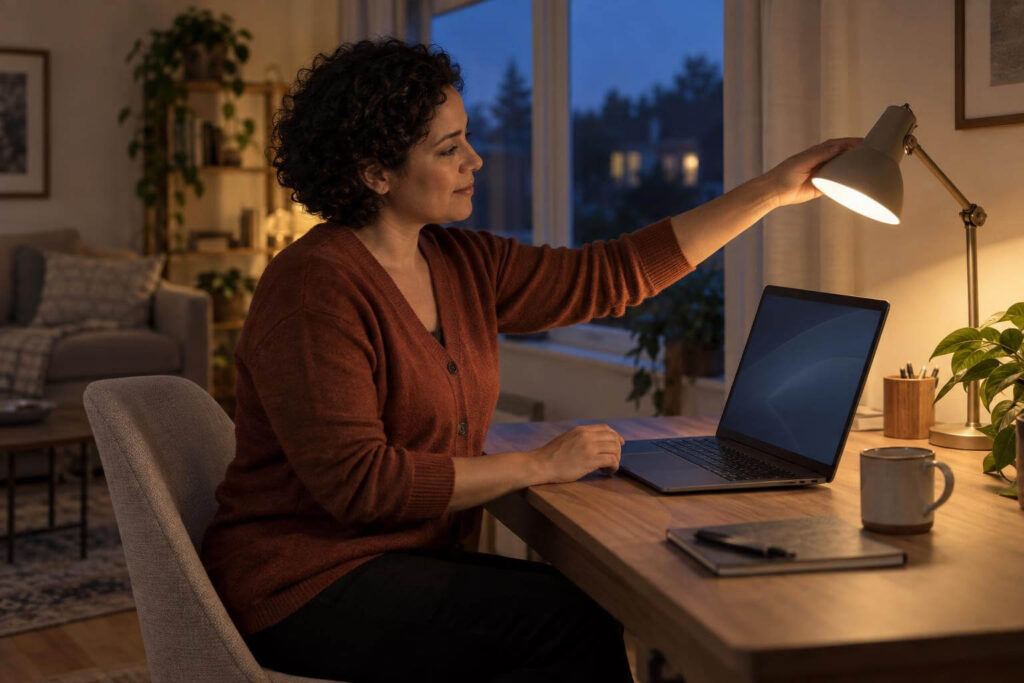
These are not just “blue light” tactics. Workstation guidance notes that uneven lighting, glare, reflections, and high contrast can add visual discomfort during screen tasks; OSHA’s guidance on workstation lighting and glare offers useful principles for arranging the space.
Where environment wins: You want to improve a room used for reading, relaxing, or multiple devices, or you want a darker sleep space without changing what anyone wears.
Where it runs into limits: A shared household may need brighter light for cooking, caregiving, or other tasks. In that case, reduce the avoidable light you control and move on to device settings rather than trying to make the whole household follow a rigid rule.
Device settings: make the display less dominant
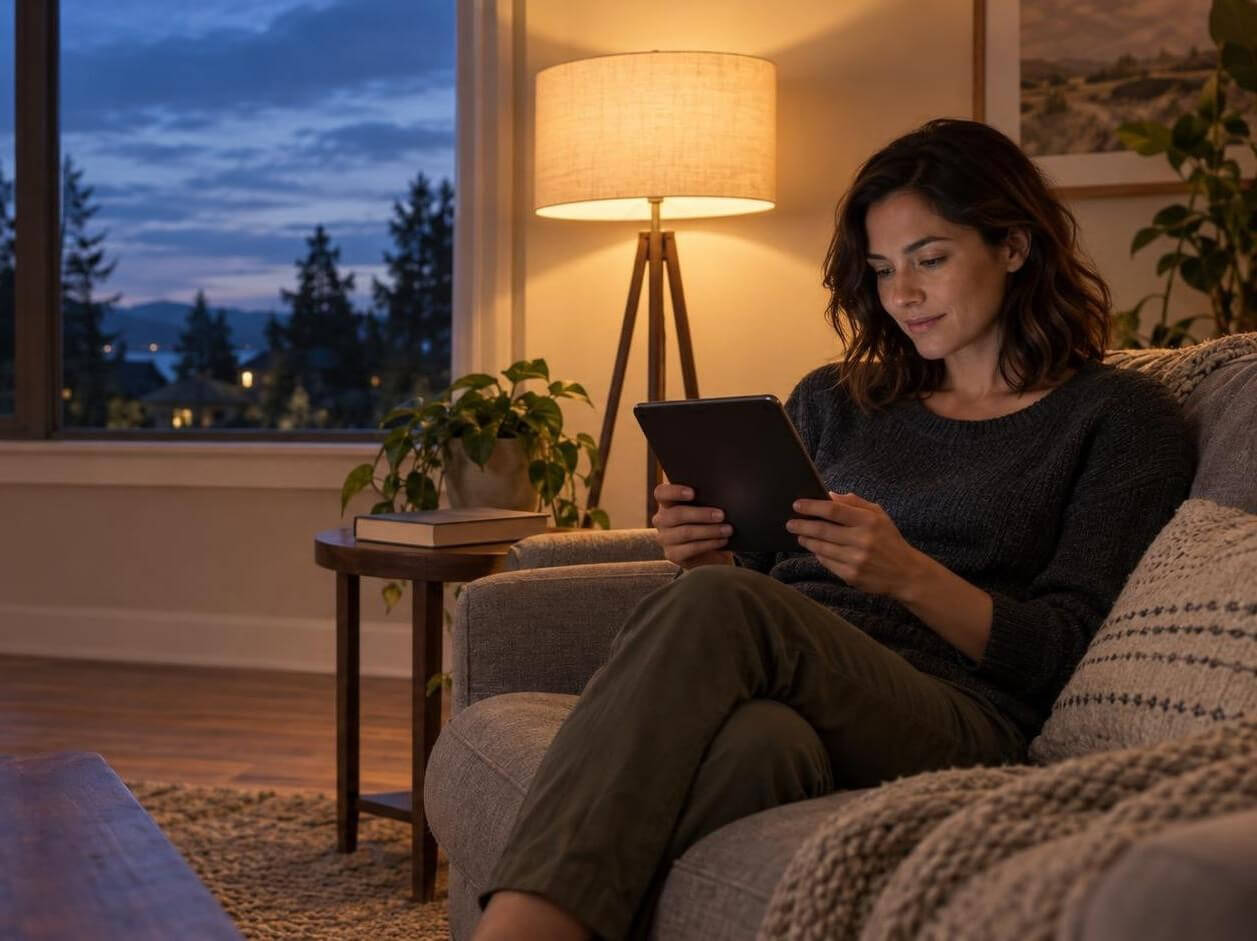
Device settings are the direct option for a phone, tablet, computer, or television. Screen brightness before bed and a warmer display mode are separate controls. Lowering brightness reduces the display’s overall output; a warmer or night mode shifts its color appearance and spectral mix. Scheduling can make a setting easier to remember.
Does night mode remove all blue light? No. It changes the screen’s output, not the light from the room, other displays, or the time you continue using the device. It also should not be treated as a proven remedy for every kind of screen discomfort. A warmer screen may still be too bright for a dark room, while a dimmer screen can still be used for a long time.
A practical device pass looks like this:
Lower the screen only to a level that remains comfortably readable in the room.
Try a warmer or scheduled display mode if you find it workable for the task.
Recheck the surrounding room: a dim screen against a bright lamp or reflection can still be visually awkward.
Keep normal color appearance available for work that depends on it.
Where device settings win: Your main issue is a personal screen and you can control its settings.
Where they run into limits: They cannot manage ceiling lights, another person’s television, or the rest of the room. They also do not replace a break, a comfortable setup, or attention to glare when those are the more obvious source of discomfort.
Optional filtering eyewear: a wearable layer, not a default answer
Filtering eyewear changes the light reaching your eyes while you wear it. That can make it an option when ambient lighting is not yours to change, when you move between several lit areas, or when you want one wearable layer across a screen and the room.
But this convenience comes with tradeoffs. A filter can shift color perception and reduce perceived brightness, which may make it a poor fit for driving, road use, low-light navigation, or tasks requiring dependable color or brightness judgment. Use normal visual judgment for the activity at hand; a light-management tool should not override it.
Do blue light glasses work for sleep? The evidence is not settled. A Cochrane review of blue-light-filtering spectacle lenses found sleep results mixed and indeterminate across the randomized trials it reviewed. That does not mean nobody finds a filter practical. It does mean the glasses are better framed as an optional adjunct, not a treatment or a reliable way to produce a sleep outcome.
So, are blue light glasses worth it? They may be worth considering only after you have asked a narrower question: What light source or constraint can’t I address with my room and screen controls? If the answer is “a bright shared environment I cannot change,” a wearable filter may add flexibility. If you can comfortably dim the room and tune your own display, glasses may add little—or create a visual tradeoff you do not need.
A decision path: combine, don’t substitute
Start with the source you control most easily. If a room is brighter than it needs to be, begin with lamp placement, direct glare, and ambient brightness. If your evening is mostly one personal screen, begin with the display’s brightness and scheduling.
Add the missing layer. A screen-only adjustment does not change the room; a room-only adjustment does not change an intensely bright display. Combine an environment change with a device adjustment when both sources are part of your routine.
Consider eyewear for a specific remaining constraint. It is most logical when you cannot reasonably change the surrounding light and can use it without compromising the visual demands of the activity.
Keep normal vision available when it matters. For color-critical work, mobility, road use, or dim conditions, prioritize clear, reliable vision over an additional filtering layer.
Test fit, not promises. Choose one reversible change for a few evenings, notice whether it works with your household and tasks, then keep, revise, or drop it. You are building a workable routine, not trying to meet a universal setting.
Four common evening situations
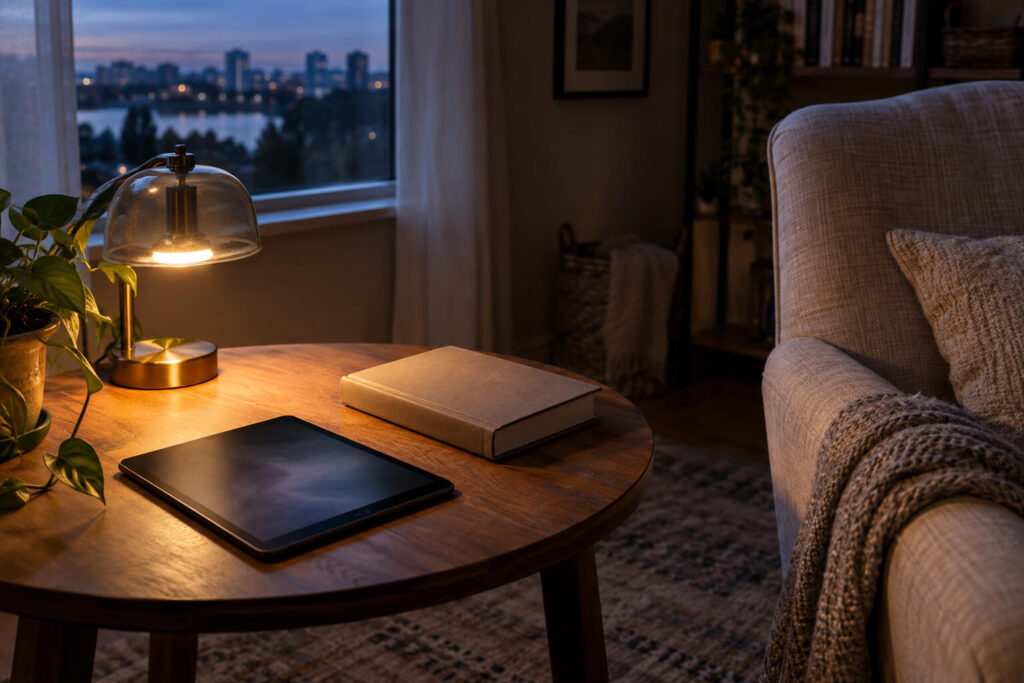
You mostly scroll or read on one screen. Lower the display to a comfortable level for the room, use a warmer or scheduled mode if it suits the content, and reduce nearby glare. Eyewear is optional, not the first required step.
Your household stays bright in the evening. First control the light nearest you: choose a less direct source where possible, change your seat or screen angle, and tune your own device. If those measures leave a source you cannot change, optional filtering eyewear is a more plausible add-on.
You cannot change the ambient lighting. Device controls still address your own display. If room light remains the constraint, eyewear may be a practical layer only if the task does not require normal color and brightness judgment.
You need reliable color or night vision. Keep the environment and device settings as your tools. Do not add a filter that makes the task less safe or less accurate.
Make the smallest useful change first
A good evening light plan is usually quiet and unremarkable: less needless glare, a screen that is not brighter than it needs to be, and a sleep space that can become dark. Start there. If a real constraint remains, add another layer deliberately—without expecting any one setting, lamp, or pair of glasses to do every job.
If sleep difficulty is persistent or is affecting daytime function, light adjustments alone may not explain or resolve it; consider discussing it with a qualified health professional.
Disclaimer
This article is for educational purposes only and is not medical advice. Gloojo Night Ease™ Sleep Glasses are not intended to diagnose, treat, cure, or prevent insomnia, sleep disorders, circadian rhythm disorders, or any medical condition. If you have chronic sleep problems, take medication, are pregnant or nursing, or are considering sleep supplements, please speak with a qualified healthcare professional.